How to set a password to AP Hot spot v380 pro wifi
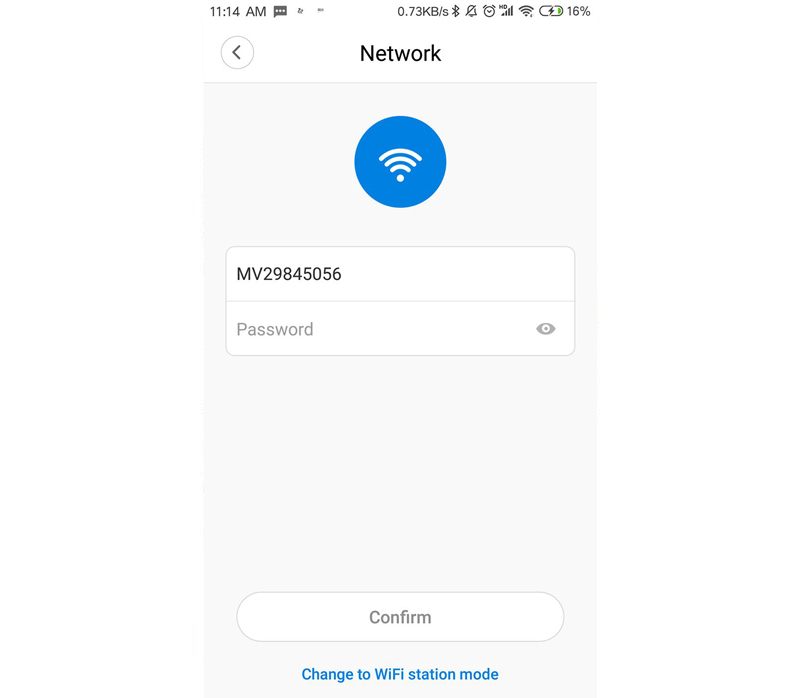
1) After the camera is connected to the camera, you can click the [Settings] button [Replace Device Network] interface to set the hotspot password in the lower right corner of the device list screen.
2) Switch the device to AP mode (hotspot mode). Fill in the hotspot password under the hotspot name. (8 or more letters, symbols, or combination of numbers), click Save when completed
Mobile phone does not receive verification code
1, please try again later to receive
2, please contact technical staff processing
https://v380.org/